
FROM AN IDEA TO YOUR TEE
Design Your Own T-Shirt
Create your T-shirt using image and text objects in the existing online editor. Choose a shirt, add your content and review each selected design area. You do not need to prepare a complete layout in another application before you begin.
- Order one or more
- Upload artwork or add text
- Preview before ordering
A little inspiration. A tee that's yours.
Illustrative mockups, not customer orders.
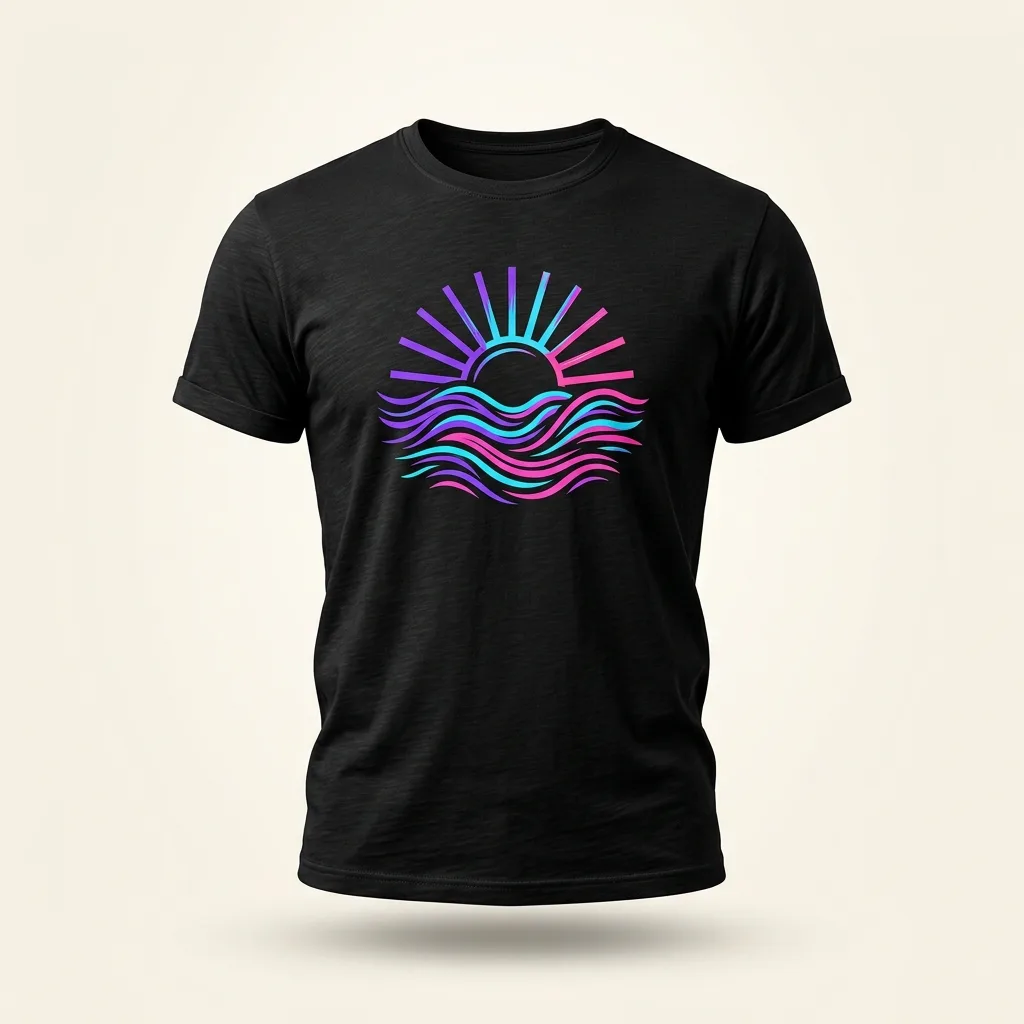
Make art wearable
One bold illustration, with space around it to let the design breathe.
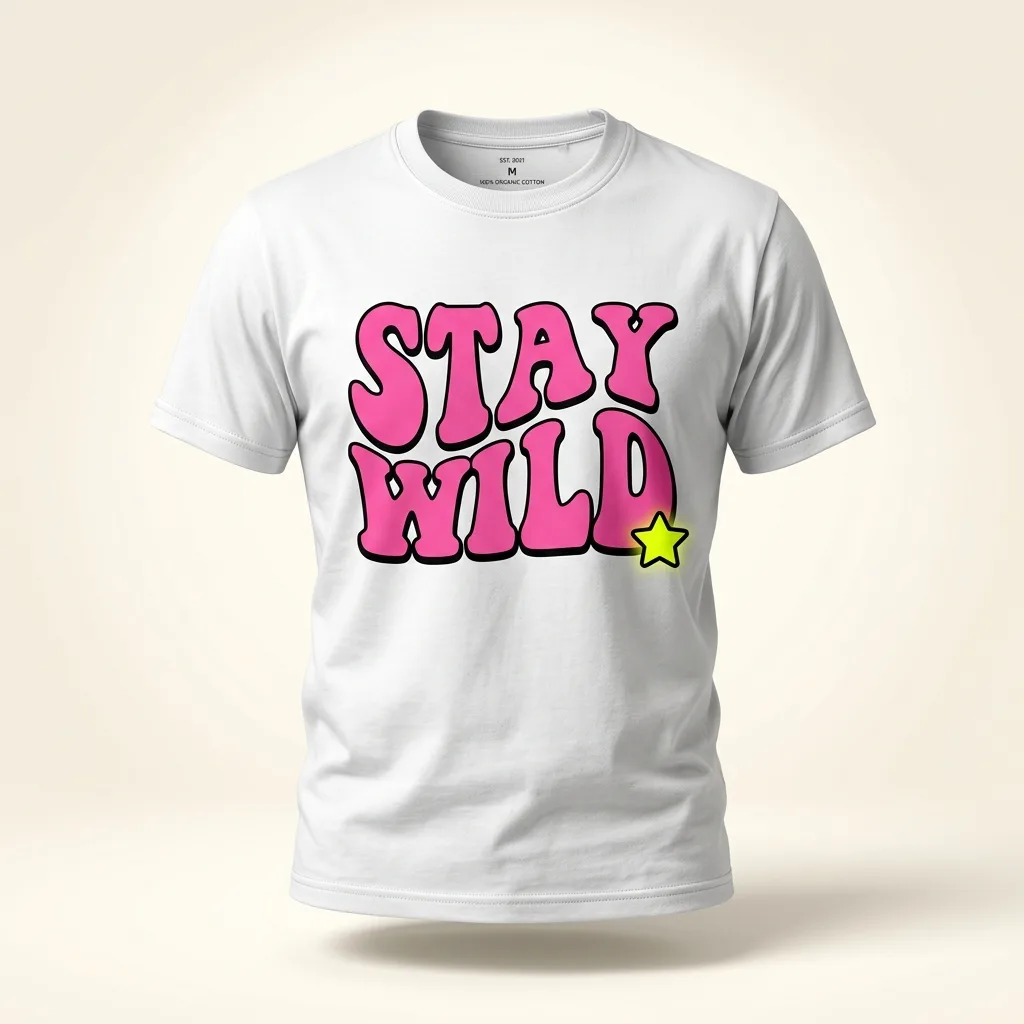
Say it your way
A short line, a confident font and a color that stands out.
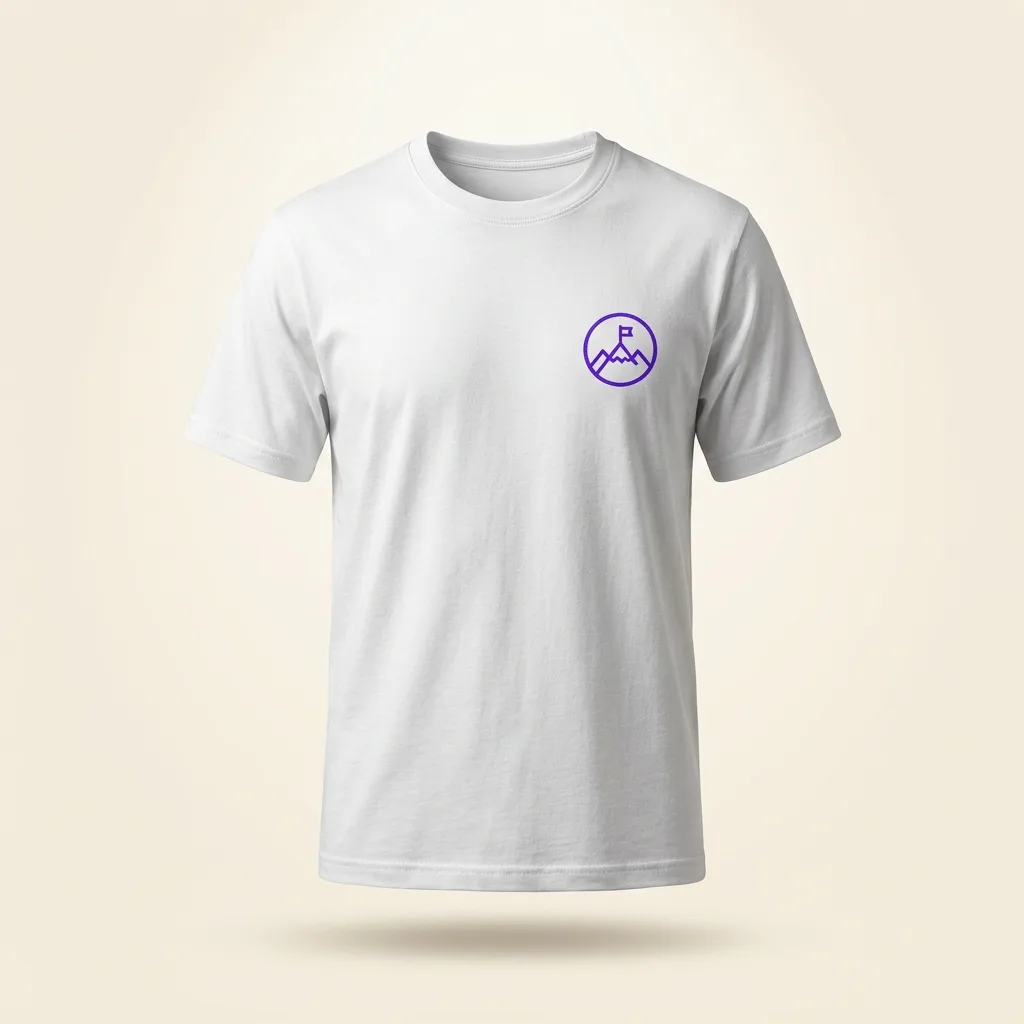
Small mark. Clear identity.
A restrained chest emblem keeps the rest of the shirt uncluttered.
Use your own photos, wording or artwork in the editor. Examples illustrate design directions, not included templates or a guarantee of print finish.
MAKE IT PERSONAL
Turn a simple idea into a readable layout
Begin with the shirt type and color, then upload your design or add text. Compare the design against the shirt color. Check front and back separately, and use the preview to inspect the composition rather than relying only on a zoomed-in editor view.
A design idea to try
For AI-assisted ideas, ask for three short themes for a cycling club T-shirt, choose one and create your own wording or artwork. This is an idea-planning example, not a claim that the editor generates AI artwork.
01Choose one visual direction
Start with a photo-led, illustration-led or text-led idea. You can combine images and words, but decide which element deserves attention first. A clear hierarchy makes placement easier and keeps several objects from competing for attention.
02Build and inspect the layout
Select an object and adjust its position, size and rotation. Check contrast against the shirt, then inspect front and back independently if you use both. Additional selected design areas can affect the price; review them before continuing.
03Use AI for ideas, not assumptions
AI can help brainstorm an original theme or phrase, such as short lines for a weekend cycling group. Refine the idea yourself and only upload content you have the right to print. This is not a claim that the editor generates AI artwork.
Choose with confidence
1. Choose the shirt and bring your content
Choose round neck or polo neck and a mockup colour. Upload your image or tap Add Text. A style selection does not select a precise GSM or fibre percentage. For a fabric-specific order, confirm the garment before investing time in a detailed layout.
Read the standard garment details2. Arrange; 3. Review every selected side
Select each object to move, resize or rotate it. Edit wording, font and colour in the canvas controls. If using front and back, switch views and inspect each independently. Check Preview saves the design and takes you into the cart preview flow; a blank design should not be ordered.
Check image preparation4. Confirm variants; 5. Review the complete order
In the cart, confirm actual size, colour, quantity and any additional variants. The editor mockup size is not your order size. Review design-area charges, shipping and eligible coupons before continuing. Your digital preview is not a physical proof or a guarantee of exact display colours.
Plan a single-piece orderAn email starts a conversation, not an order. Special fabric, print process, sample terms, quantity and delivery require confirmation.
Three steps to your own design
1. Bring your idea
Upload your own image or add the words you want to wear.
2. Make it yours
Choose your shirt, arrange the design and check every selected area.
3. Check your preview
Review the mockup, then confirm order sizes, colors, quantities and the final total in the cart.
Price and ordering
The current catalog base price is Rs. 999. Review every selected design area and cart line before paying. Check current dispatch guidance on the product page; ask the store before ordering for a fixed event date. A preview helps with placement, but is not a physical print proof.
Made-to-order products have specific replacement conditions. Read the replacement and refund policy and ordering terms before placing your order.
Questions before you design
Can I edit the design before checkout?
Use the editor to adjust text and artwork before continuing. Inspect the preview and return to editing if the placement is not what you intended.
Do I need design software?
You can upload an image and add text directly in the editor. Separate software can help prepare complex artwork, but it is not required to begin a simple layout.
Can I design both front and back?
The editor supports front and back design areas. Review each view separately and check the price of additional selected design areas.
What should I check before continuing?
Inspect spelling, image detail, placement and shirt color. Then confirm the actual order variants, quantities and final total in the cart.
YOUR IDEA IS THE STARTING POINT
Ready to make it your own?
Start with your artwork or words. Preview before you order.